

All your clients, each in their own workspace
One account, many organisations. Client data and connections never mix, and you see everyone’s results on one screen.
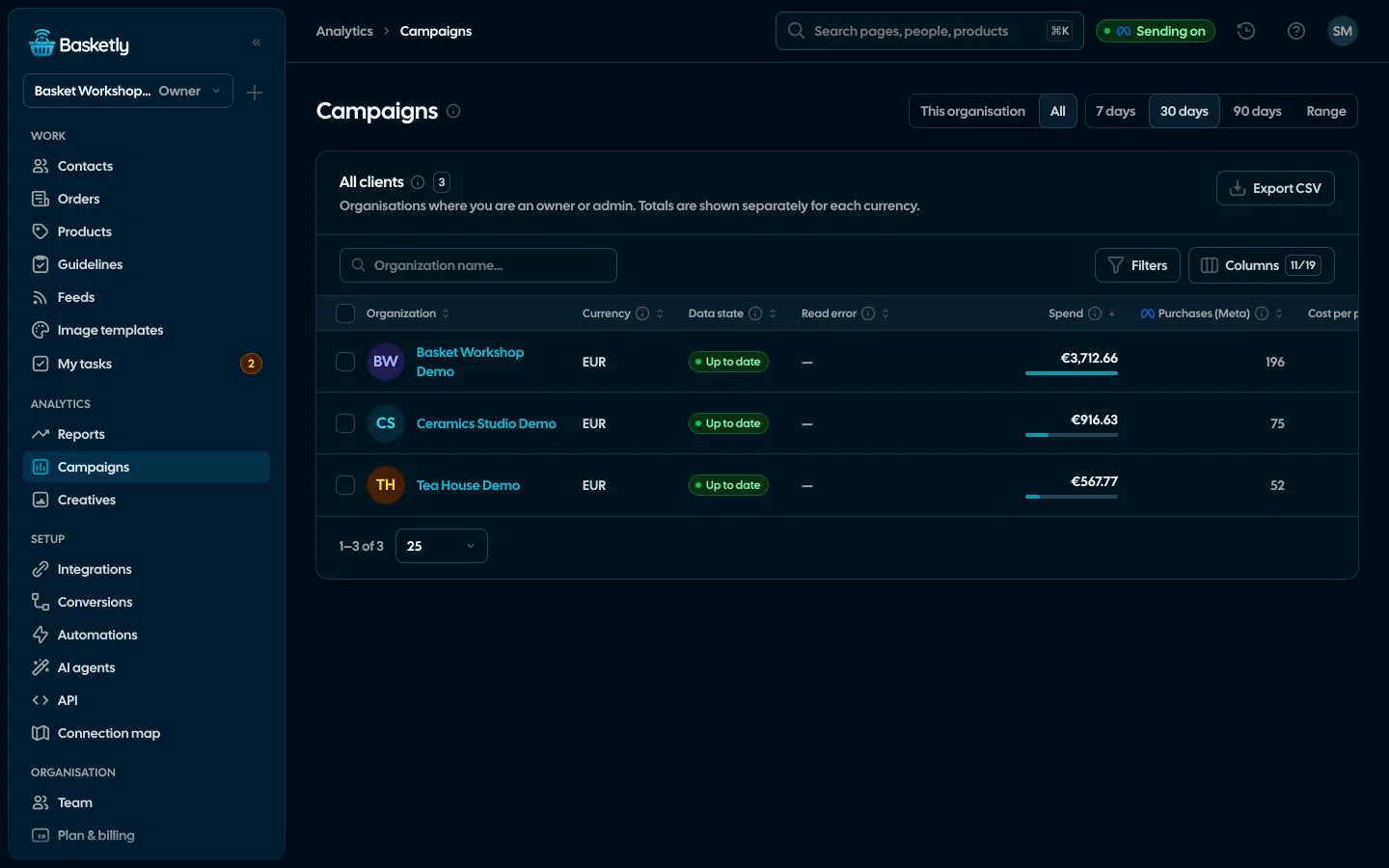
Screenshots from a demo organisation. People and numbers are fictional.
Every client apart, all on one screen
Separate organisations, roles down to “own only” and one pool of orders for your whole client list.
All clients in one view
One row per organisation with the campaign report’s totals in each currency. A client without fresh data is flagged.
A role set area by area
Every area of the app on its own: none, view or edit. Clients and tasks can be “own only”.
A client is an organisation
Each client’s data, connections and team stay apart. A team member sees only the organisations they were invited to.
A queue per client
Imports, spend and sheets run in the organisation’s queue, and organisations take turns.
One pool for everyone
The plan counts the orders of all the owner’s organisations together, not clients or seats.
Example data
See it in 20 seconds
Short clips from the panel with a demo organisation’s example data, no sound.
- For agenciesEach client is its own organisation, roles go down to “only own”, and the all-clients overview puts every client’s results side by side.
Roles for your team and your client
Each person has one role in an organisation. Three built-in roles cover most agencies, and a custom role sets every area of the app on its own: none, view or edit.
Owner and admin
You and your team who set up the client’s account.
- Full access to every area
- Invitations, roles and the data retention period
- The all-clients overview when in at least two organisations
Operator
The person who runs the client’s campaigns and feeds day to day.
- Edits clients, campaigns, creatives and own tasks
- Views connections, flows and reports
- Runs checks and background jobs
Viewer
An agency client who wants to see results.
- Campaign report and creatives read-only
- Masked phone numbers and emails of people
- No access to change settings
Clients see their own campaigns
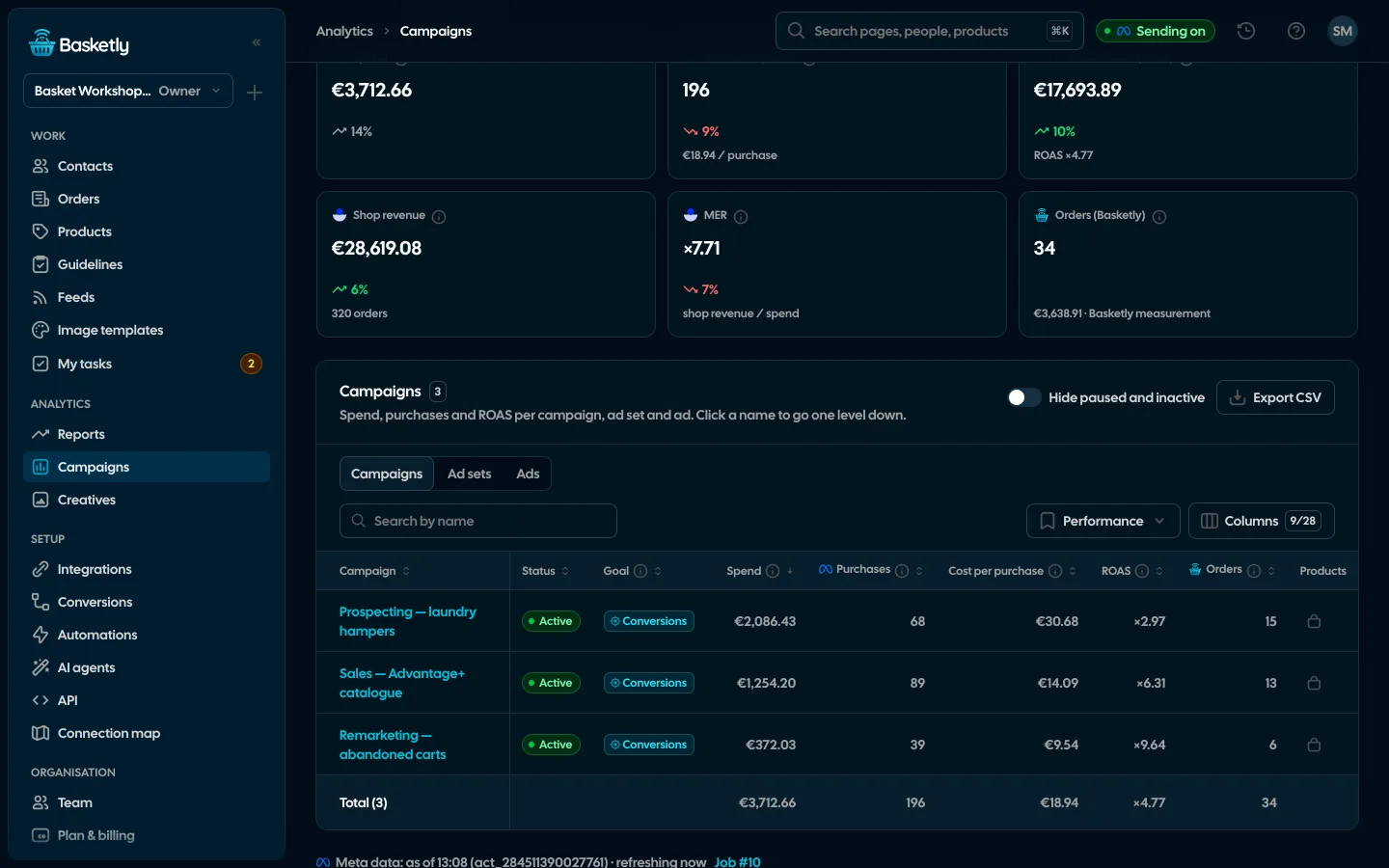
The viewer role gets read-only access to the campaign report. Campaign names are not personal data, so clients see the full picture.
A new client in four steps
Each client is a separate organisation with its own data, connections and team. Nothing passes between them.
- 1
New organisation
Create it from the organisation switcher. You are its owner and payer.
- 2
The client’s Meta account
Connect the login and pick a specific ad account. There is no “all accounts” option.
- 3
The client’s team
Invite people by email with a role. The link works for 72 hours and only for that address.
- 4
All clients
Organisations’ results side by side, with stale data flagged.
Background jobs per client
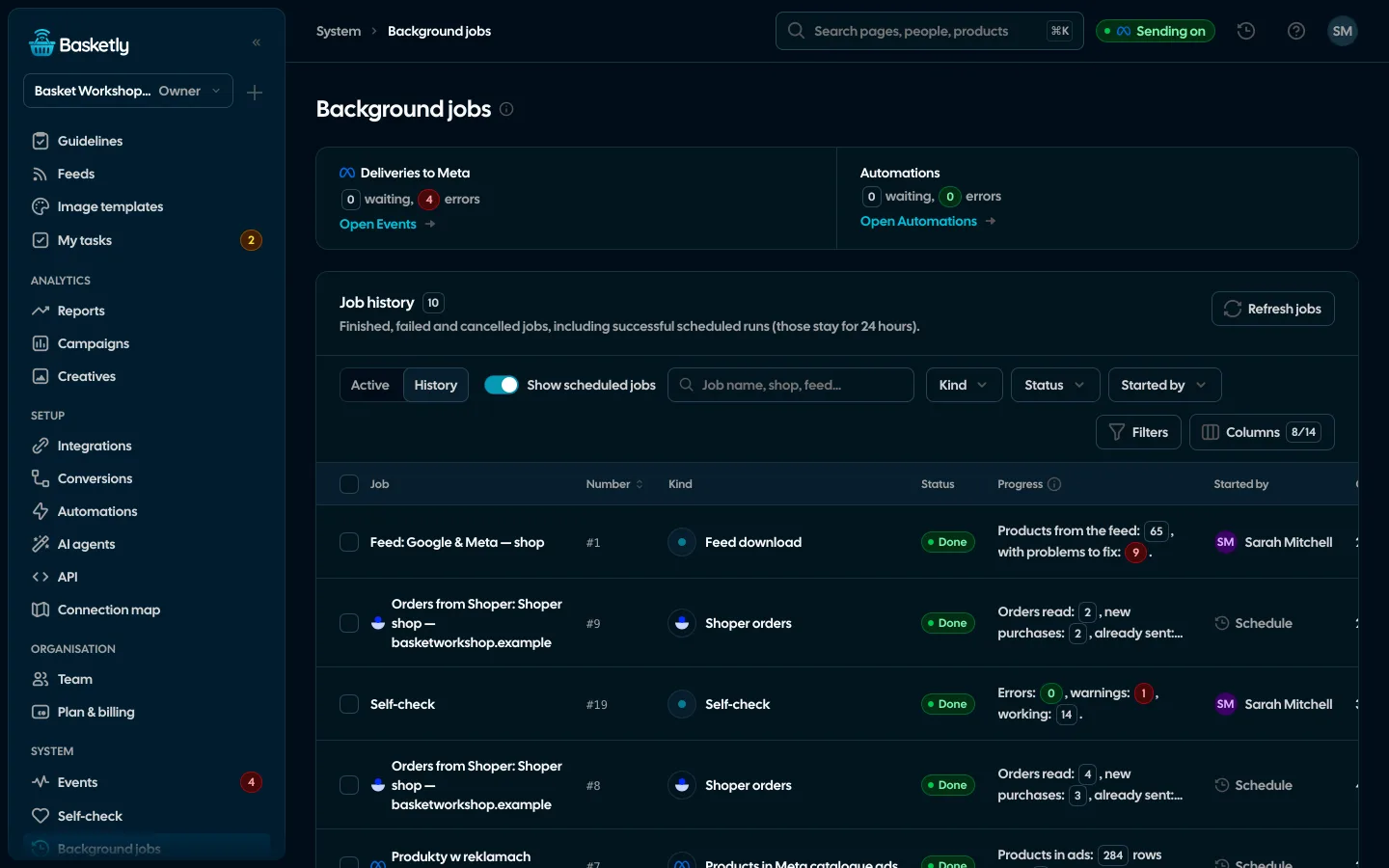
Order history, feed downloads, spend and shop reads run in each organisation’s own queue. Organisations take turns, so a big client never blocks a small one.
Priced by orders, not per client or seat
No plan limits organisations or users. Add a client whenever you win one; the plan follows the total number of orders across your clients’ shops.
| What | Agency plan |
|---|---|
| Organisations (clients) | No limit |
| Users | No limit |
| Meta ad accounts | No limit |
| Orders | A shared pool of 25,000 a month |
| Onboarding call |
No. Each organisation has its own data, connections and team. A team member sees only the organisations they were invited to.
Anyone who is an owner or admin in at least two organisations. It shows one row per organisation and flags stale data.
No. You always choose a specific ad account. There is no “all accounts” option, so one client’s data cannot end up with another.
Related features
- Security and privacyEncryption, hashing, roles, retention and self-hosting.See details
- AI agentsClaude, ChatGPT and other assistants work with your shop’s data in Basketly: orders, products, feeds, campaigns and conversions.See details
- Orders and buyersEvery shop order with its lines and state, revenue, average basket, new and returning buyers, and 24 months of history.See details
- Product feedsYour shop’s feed fixed automatically and by your rules, every product diagnosed against Google Merchant Center and Meta catalogue requirements, served at its own address.See details
- Sales reportOne sentence on how the shop is doing, the six key figures and conclusions with a next step — and tabs below, each answering one question. Every number with its truth level: the shop, a platform or the last click.See details
- ConversionsShop purchases sent server-side to Meta and seven more platforms, and a day-by-day balance: how many orders, how many purchases accepted and where something got lost.See details


Get started in under 5 minutes
Connect your shop and Meta and see how many purchases really arrive.
- Free up to 100 orders a month
- No developer needed
- Purchase balance and self-check