
Creative fatigue in Meta: how to tell an ad needs replacing (and when to leave it alone)
An ad worked and weeks later purchases cost more? Three numbers that show creative fatigue in Meta, when not to change anything, and how to make variants quickly.
On this page
Key facts (as of 2026-10-30)
- Meta defines frequency as the average number of times each person saw your ad; the value is estimated.
- There is no official number of days after which an ad has to be replaced.
- In Creatives, Basketly's main measure is the cost per purchase, based on the purchases Meta reports.
- "Possible fatigue" is a signal to check, not proof of cause.
- Basketly does not make video or creator content; it draws product images from feed data.
On r/FacebookAds one person writes: "Our winning ads die after 7-10 days now." (thread). Another adds: "I'm spending almost as much time managing the rotation as I am thinking about what to test next." (thread). Creative fatigue is real, but it is easy to confuse with other reasons a purchase got more expensive. This article shows how to tell them apart before you replace an ad that still works.
Symptoms
A creative is "tired" when the same ad, to similar people, at similar spend, brings ever more expensive purchases. Typical signs:
- the cost per purchase of that ad rises week after week,
- the share of people who watched the start of the video falls,
- frequency rises while purchases do not,
- a new ad in the same ad set gets clearly better results.
Each alone can be something else. Together they form a pattern.
Three numbers that show it
1. Cost per purchase as Meta reports it
You divide the ad's spend by the purchases Meta attributed to it. It is the best single number because it shows the price of a result, not just clicks. Remember these are purchases within Meta's attribution window, not shop orders.
2. Change over the last two weeks
One bad day means nothing. Compare the last two weeks with the two before. In Creatives this change is called "Zmiana kosztu zakupu" (change in cost per purchase) and it is calculated for creatives with spend of at least 50 in each of the compared periods.
3. Frequency
In Meta's documentation it is "the average number of times each person saw your ad", an estimated value. You find it in Ads Manager. Rising frequency with a rising cost per purchase strengthens the suspicion of fatigue. High frequency alone with a stable cost is not a problem.
When not to touch it yet
- Low spend. A few purchases per creative is noise. Replacing after one expensive day often spoils what worked.
- A change of season or offer. Black Friday, a sale, a stock-out: cost moves regardless of the ad.
- A fresh change in the campaign. A change of budget, audience or landing page in the last week clouds the picture.
- The whole account gets pricier at once. If every ad gets dearer, look for the cause outside the creative (auction, prices, site).
Rule of thumb: change one thing and watch the weekly trend, not the daily one.
How to read the signals in practice
Do it once a week, always on the same day.
- Open the creatives list for a period of at least 30 days and sort it by spend. You care only about those taking the largest share of budget.
- For each, check three things: cost per purchase, its change over the last two weeks, and frequency.
- If cost rises and frequency rises too, mark the creative as suspect. If cost rises and frequency stays flat, look for the cause outside the creative.
- Do not switch off a suspect ad at once. Add a new asset next to it in the same ad set and see whether it gets purchases at a similar price.
- Only when the new asset clearly wins for at least a week, reduce the old one's budget.
Why so slowly: Meta allocates impressions itself, and a sudden budget change or switching an ad off changes the picture across the whole ad set. You would rather lose a week than lose an ad that still earns.
What to do when the signal holds
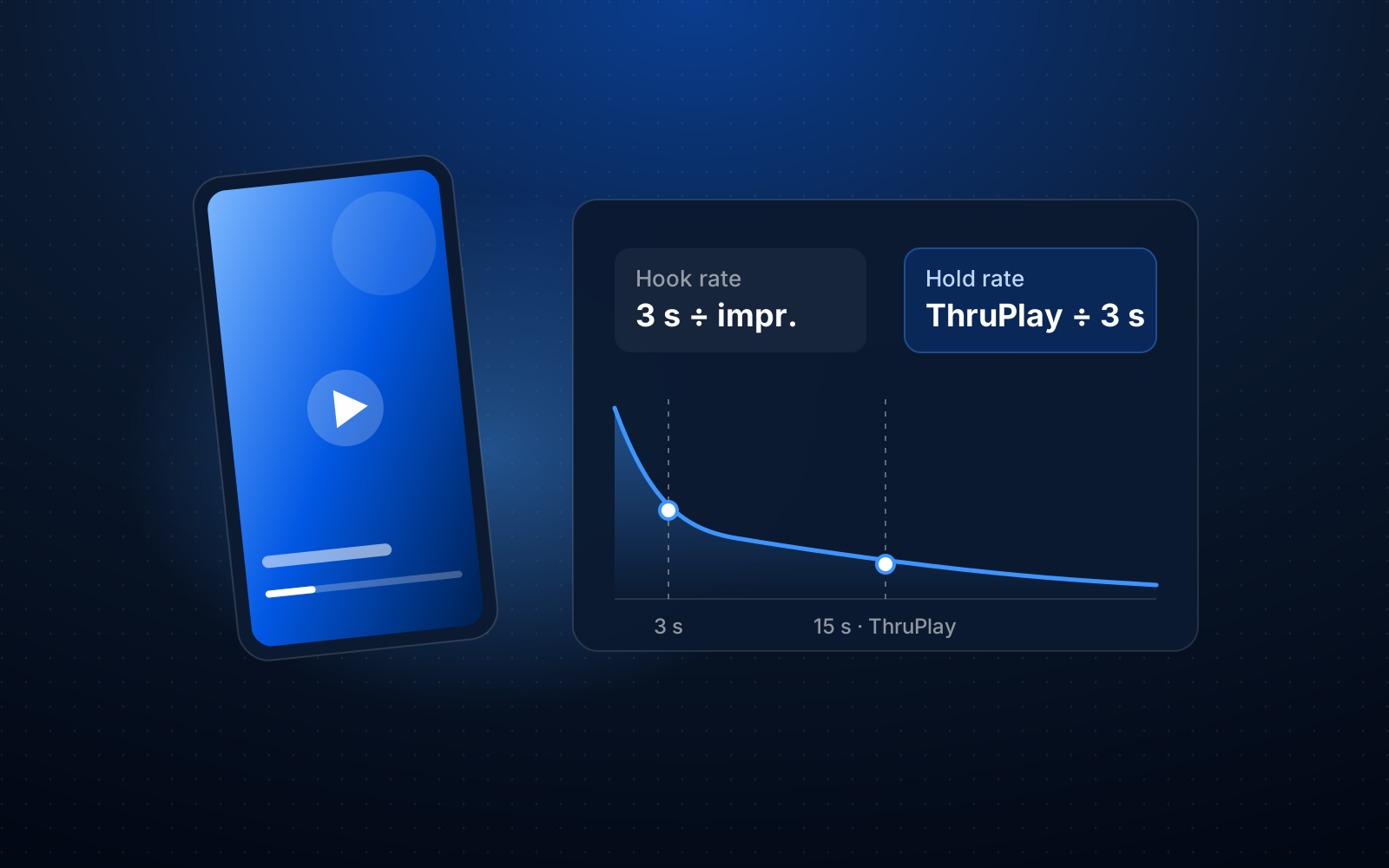
- Change the hook, not the whole ad. When the 3-second hold drops, the problem is at the start of the video or in the first image. A new opening is often cheaper than a new asset.
- Change the text or the offer. The same image with a new text is a different ad to the algorithm. Clusters in Creatives show which combinations of asset and text you have already tested.
- Change the product image. In catalogue ads a different template for the whole catalogue is enough.
- Leave it alone if it is the season. When the whole account gets pricier, replacing one ad fixes nothing.
What Basketly does here
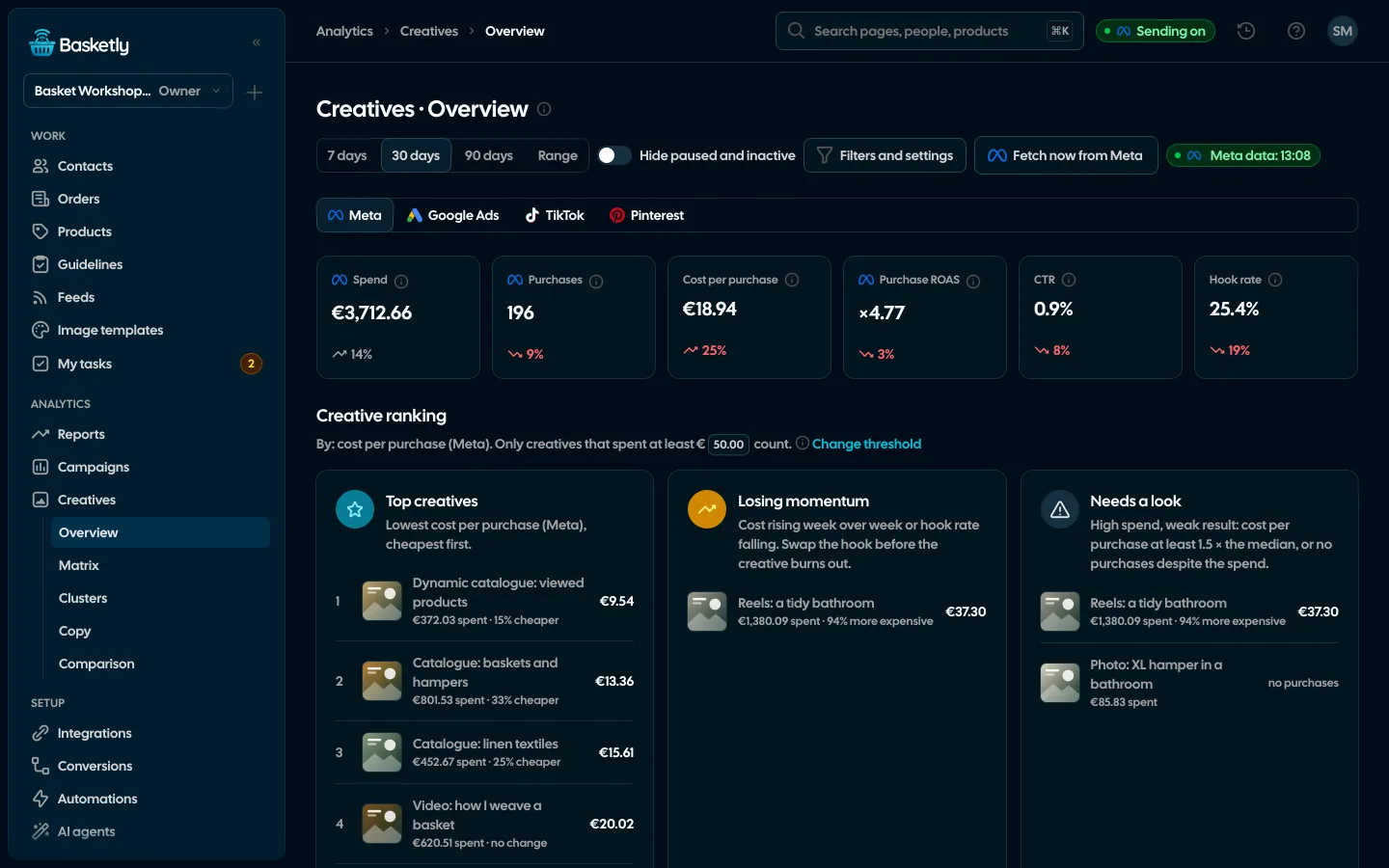
Creatives is a separate page under Analytics. It reads creatives from Meta and judges them by the cost per purchase as Meta reports it.
- Overview → ranking. Three groups of five creatives: "Najlepsze kreacje" (Best creatives, lowest cost per purchase), "Tracą impet" (Losing momentum: possible fatigue, a drop in the 3-second hold, or a cost per purchase at least 30% higher) and "Do sprawdzenia" (To check: cost at least 1.5 × the median, or no purchase despite spend). Creatives above the spend threshold count, automatic by default; the rest sits under "Show the rest".
- Signals. "Possible fatigue" and "Hold drop" on a creative. They are signals to check, not proof of cause; the rule is explained in the (i) icon.
- Fatigue view in the "All creatives" table: weekly cost per purchase next to the signals.
- Joined by name. Ads with the same creative (even after copying and suffixes like "- Kopia") are counted together, so you do not judge one asset in five pieces.
- Clusters. A grid of assets × texts shows which combinations you have tested. An empty cell is an untested combination; "Create this combination" makes an ad that is always PAUSED, with the prefix
[basketly.io], and never changes existing campaigns. - Comparison. Creatives summed by format, hook, creator or offer (tags you assign yourself): you see which features win more often.
- Fetch now from Meta. You do not wait for the hourly read.
What you will see: one list with creatives that are losing momentum at the top, with a number instead of a hunch.
How to make variants quickly
For catalogue ads you make a new image for the whole catalogue with a template: Image templates draw an image per product in four formats from 122 ready designs. Changing the design changes the look of all products at once. In "Results in ads" you compare templates by impressions and CTR as Meta reports them.
Which orders came from which ad is covered in the article on the order source. For ads with a video or a creator's photo you need your own material. We write about the first seconds of a video in the article on hook rate and hold rate.
What Basketly does not do
- Make video or UGC. It analyses and compares; it does not produce creator content or lifestyle photos.
- Tell you it is surely fatigue. A signal is a reason to check.
- Change existing ads. The only write to Meta is the new, paused ad from Clusters.
- Reconcile Meta's numbers with your shop's. Cost per purchase in Creatives is purchases as Meta reports them; how they differ from orders is covered in ROAS, MER and cost per purchase.
Next step
Open Ads Manager and compare the cost per purchase of your most expensive ad over the last two weeks with the two before: 5 minutes. To see the ranking and signals in Creatives, open the demo. To judge your own ads, create an account and connect your Meta ad account; plan limits are in pricing. The whole feature is on the Creative analytics page.
Sources
- Meta for Developers: Ad Campaign Group Insights (
frequencyandreachfields: estimated values, attribution windows) - r/FacebookAds: thread on creative fatigue (quote on 7-10 days), thread on ad rotation (quote)
About the author
Aleksander
Founder of Basketly.io, BooksyAudit.pl and SMSPortal.app
Founded Basketly.io, BooksyAudit.pl and SMSPortal.app. In the knowledge base he explains how to send shop purchases to Meta, how to keep a product catalogue in shape and how to measure what a purchase from ads costs.
All articles by the authorFrequently asked questions
After how many days must I replace a Meta ad?
There is no official number. Some describe 7-10 days, others several weeks; it depends on budget, audience size and offer. Instead of a calendar, watch cost per purchase and its trend. Basketly flags "Possible fatigue" when, over the last three weeks, spend is at least 100 a week in the account currency and the cost per purchase rose by at least 30% twice in a row.
What is ad frequency in Meta?
According to Meta's documentation it is the average number of times each person saw your ad; the value is estimated. Rising frequency together with falling results can hint that people have seen the ad too many times. It is a hint, not a verdict.
Does a rising cost per purchase always mean creative fatigue?
No. Cost per purchase also depends on season, competition in the auction, product price, the shop's page and the attribution window. That is why a Basketly signal is a reason to check the creative, not proof that it failed.
Will Basketly make new video or UGC for me?
No. Basketly analyses creatives and helps make images from product data (templates), but it does not produce video, lifestyle photos or creator content.
What is hook rate?
Hook rate is the share of impressions in which the video was played for at least 3 seconds. In Creatives it is called "3-second hold" (Zatrzymanie w 3 s), and a drop of at least 20% twice in a row is a separate signal. We cover it in the article on hook rate and hold rate.